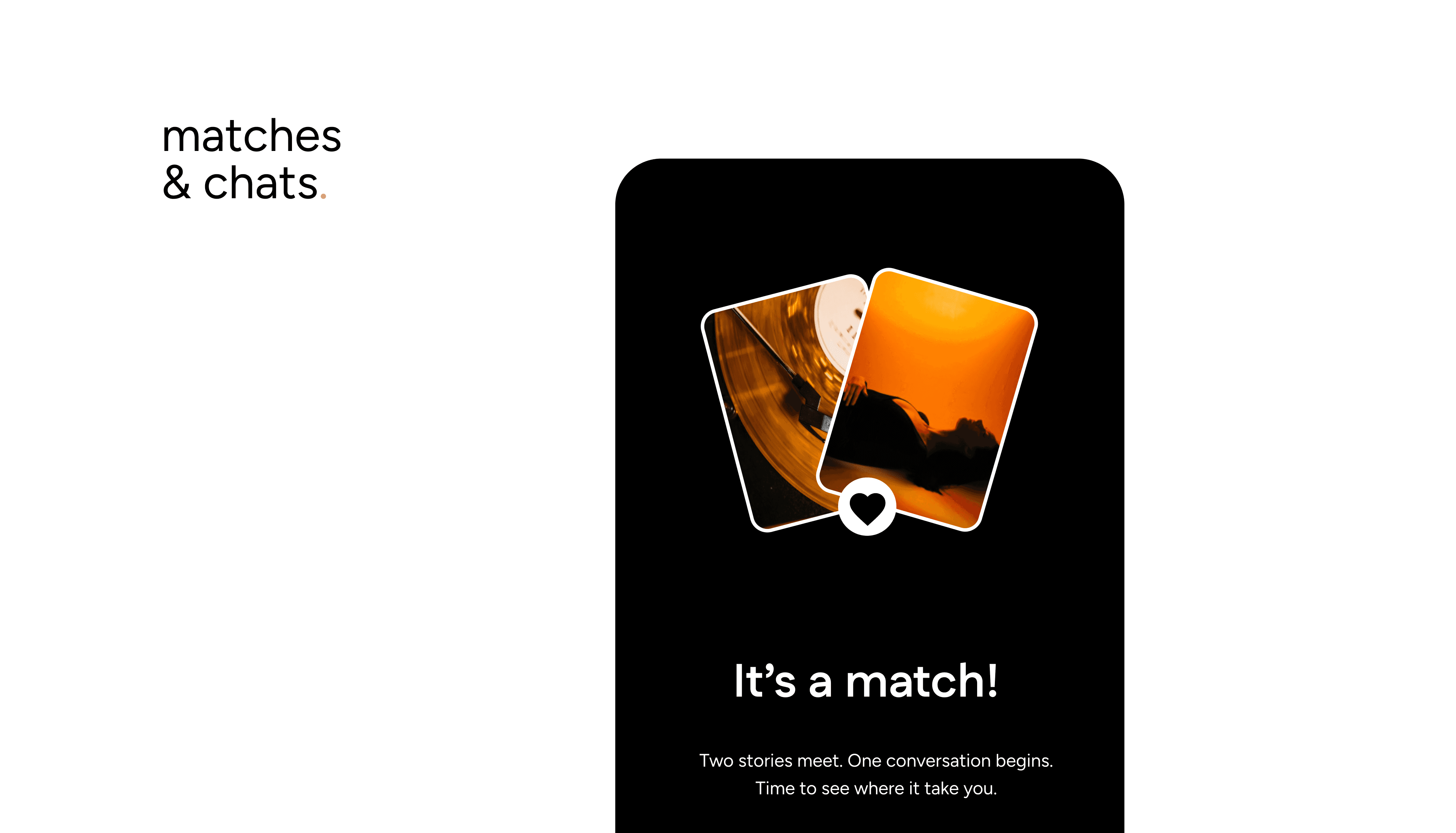
How Matches Happen
You’ll see people who liked you in the Your Move tab. Tap to match and move their profile to your Matches tab.
If you’ve already liked someone’s profile and they accept, that’s also a match, you’ll find them in Matches too.
Starting a Chat
Go to your Matches tab.
Tap a match to open the chat screen.
Type your first message and hit send, it’s that simple.
Your Turn vs. Their Turn
Your Turn → It’s your move to reply.
Their Turn → You’ve messaged, and now they need to respond.
These reminders help keep the flow going, but there’s no pressure reply when you’re ready.
Hiding or Closing Matches
Hide a match if you want to pause the conversation and return later.
Unmatch if you’re no longer interested.
Viewing Profiles in Chat
Inside a chat, tap the Profile tab to view details and categories
If they’ve added or updated an entry, the profile view will auto-scroll to the new content so you’re always up to date with their story.
Matching is the first step, chatting is where the real connection begins. Explore profiles, share your story, and see where conversations take you.