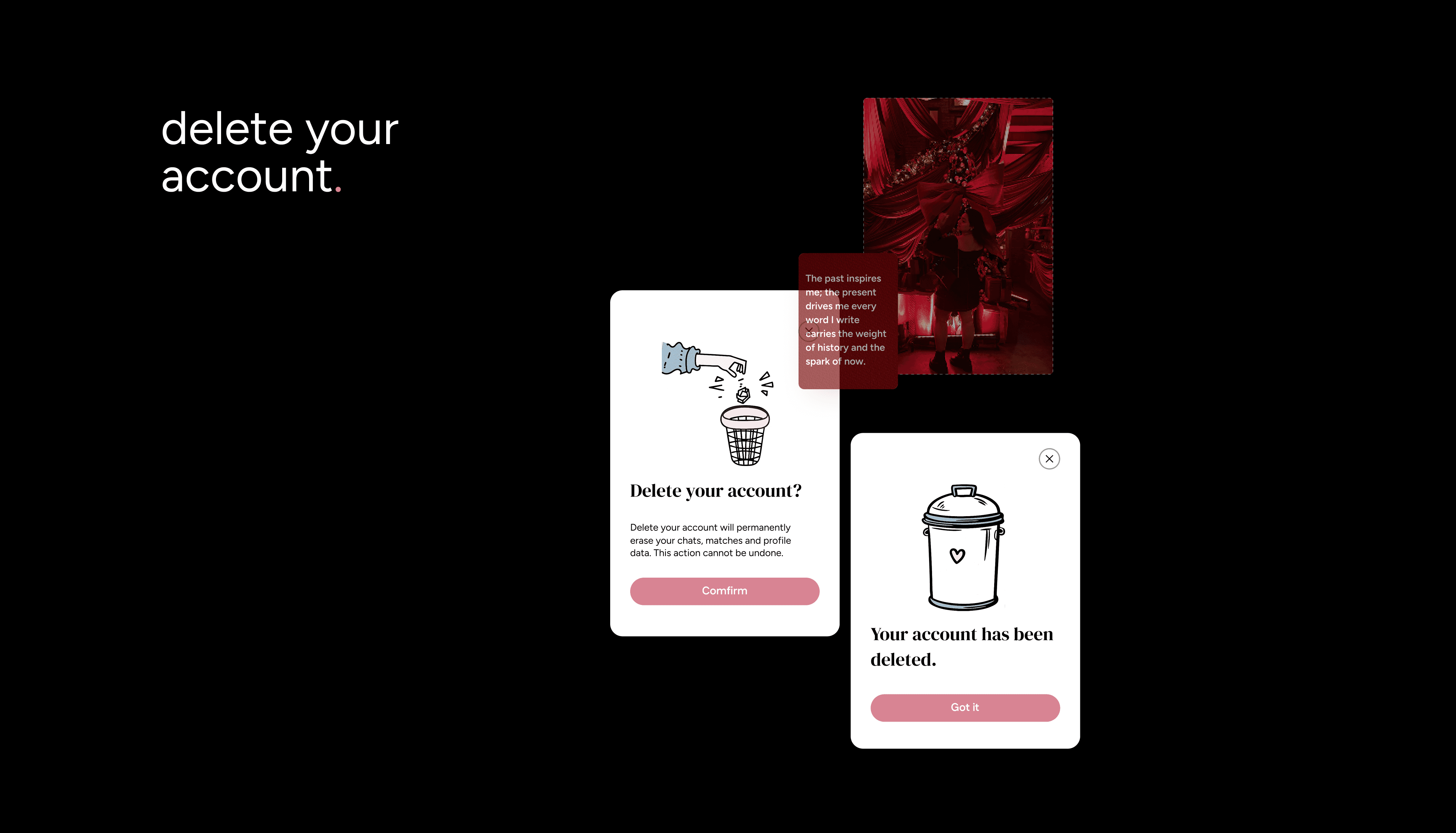
Need a break or ready to leave HumansHere? You can permanently delete your account.
How to Delete Your Account
Tap your Profile Icon on the far right of the navigation bar.
Tap the Gear Icon to open Settings.
Scroll to the bottom and tap Delete Account.
Follow the vibes to confirm.
What happens when you delete:
All your content including photos, chat history, and member interactions will be permanently deleted in accordance with our Privacy Policy.
Uninstalling the app does not delete your account. You must complete the steps above.
Already deleted the app but not your account? Contact our Support Team and we’ll help.
If you are a Taken member, your subscription will not be cancelled automatically. You’ll need to cancel your membership directly through the platform where you originally subscribed (App Store or Google Play).
About Data Retention & Privacy
Even after you delete your account, some of your data may be retained for a limited period, as required by law or for legitimate business purposes. During this time, your data is securely stored and not visible to other members.
If you’d like to request complete deletion of any retained data, you can reach out to our Support Team and we’ll help you with the process.
To learn more about how we handle your data, please review our:
Privacy Policy
Terms & Conditions
These documents explain what data we collect, how it’s used, and your rights as a member of HumansHere.