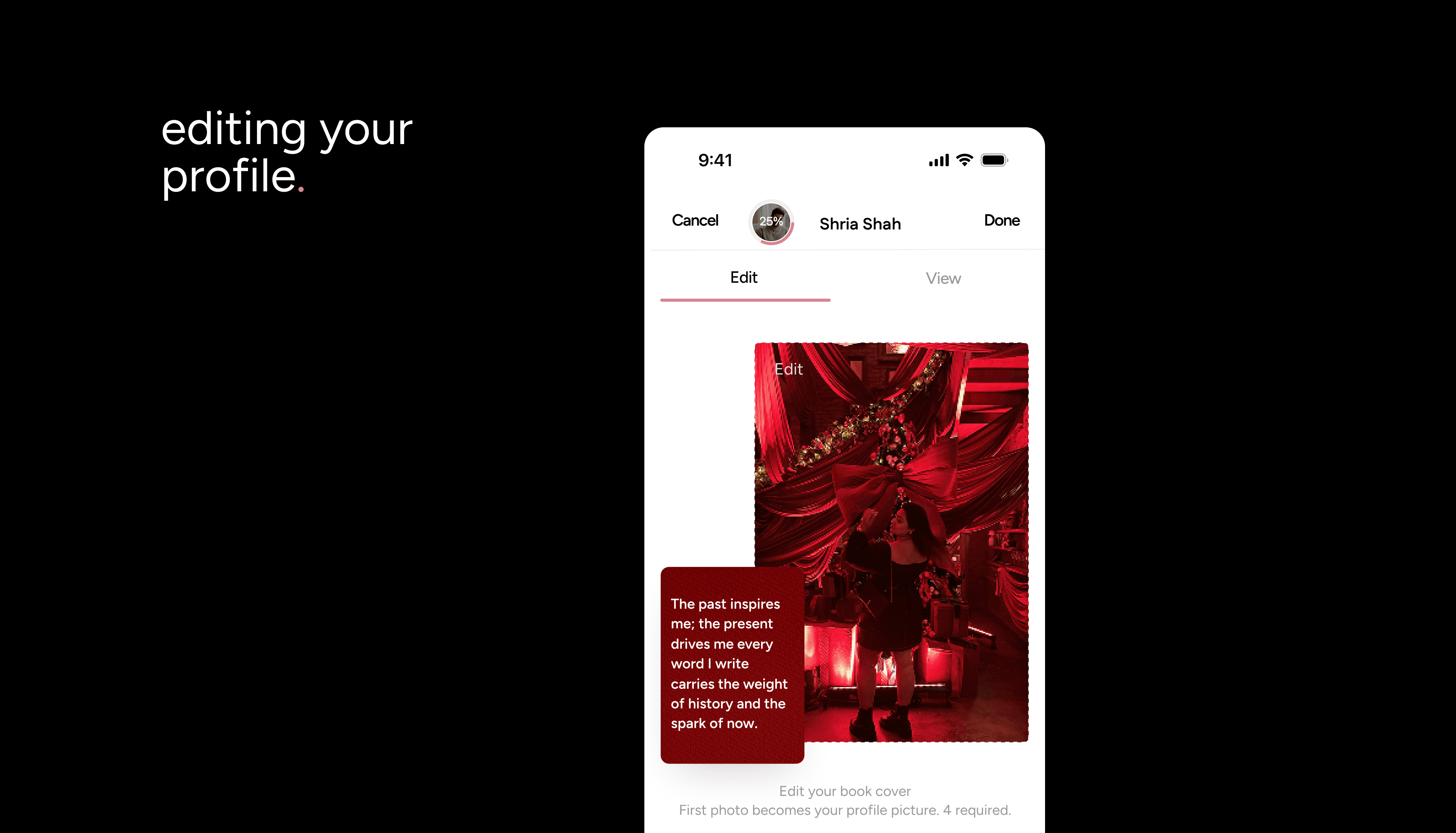
Your profile sets the stage for meaningful connections. The more complete it is, the more likely it is to stand out and attract meaningful matches.
Profile Basics
You’re required to have 4-6 photos (at least one must clearly show your full face for selfie verification).
You’ll also need to write at least 3 entries to bring your story alive.
Profiles closer to 100% complete (as shown on your progress meter) get more visibility and better matches. You can complete your profile by clicking on Add missing details or Get verified found under your book cover in profile management.
How to Edit Your Profile
Tap your Profile Icon at the bottom right of the navigation bar.
Tap the Pencil Icon next to your book cover.
Scroll down to update details like:
Book Cover
Bio
Gallery (add or replace photos)
About Me (e.g., job title, languages, hometown, etc.)
Relationship Intent (dating intentions, relationship type)
To display or hide any detail, tap the toggle next to Visible on Profile.
Once you’re happy, tap Done in the top right to save.
View Mode
Want to see how others view your profile?
Tap your Profile Icon → Pencil Icon → View at the top of your screen.
Things You Can’t Change
Your age (set at signup) cannot be edited later.