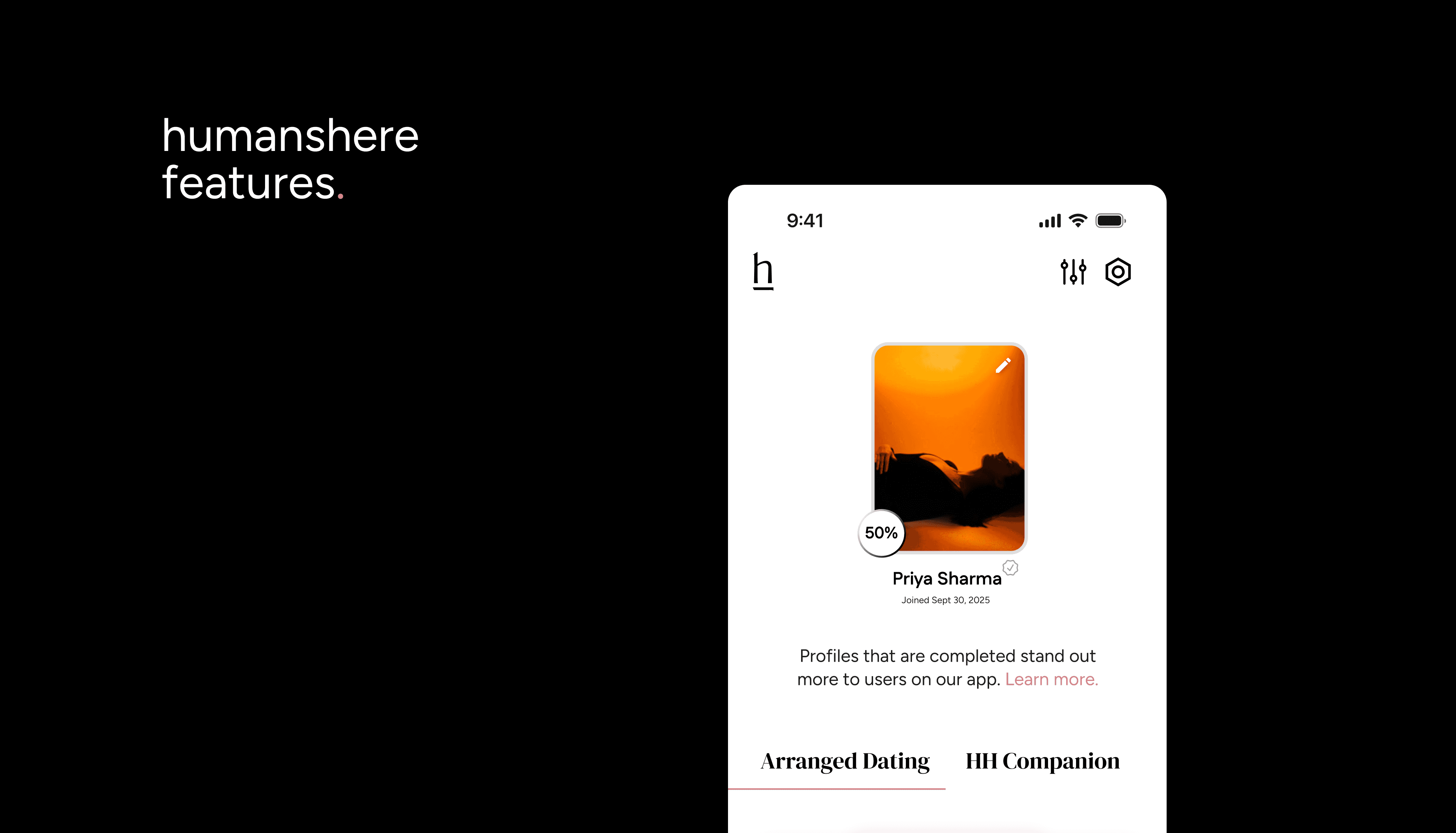
New here? This glossary is your quick guide to every feature on HumansHere: what it does, how to use it, and where taken comes in. Think of it as your map to exploring, connecting, and staying safe.
1. Your Writing Space
Entries : Where your stories live. Your first entry, “Alright, here’s me”, is mandatory. After that, you choose what fits your vibe.
Categories : Groups of entries (like What Pulls Me To You, Where I Come From, Intimacy, On My Terms). New categories unlock only after you’ve written three entries in the previous one.
Quick tip: Unlocking gradually makes your book feel more like a real journey.
Vibes : Writing cues that spark your entries.
Quick tip: Pick the one that feels fun, not forced.
Tags : Emotional or stylistic nudges you pick before writing (e.g., Nostalgic, Playful). These are private to you, others can’t see them.
Quick tip: Use them to decide the mood you want to write in.
Tooltips : Small hints that guide you as you write.
Quick tip: Check them when stuck , they’re built to spark ideas.
2. Profile Highlights
Book Cover : The cover of your story. It doesn’t have to be a selfie: it could be your dog, your guitar, or even a doodle.
Quick tip: Pick something that makes people think, “oh, that’s so you.”
Bio : A short line to sum up your personality.
Quick tip: Use a lyric, a quote, what you’re looking for, or your favorite thing, keep it authentically you.
Profile Pics : Add 4:6 photos (at least one must include your face for verification). The first photo becomes your profile picture.
Quick tip: Mix casual, candid, and personal moments for variety.
About Me : Choose from options or text boxes to share details (like work, beliefs, lifestyle).
Quick tip: Keeping this section visible on profile makes it easier for people to connect, and often leads to more likes and matches.
3. Connection Controls
Dating Preferences (Standard & Taken) : Filters for who you want to see. (Taken for advanced options)
Quick tip: Update often; preferences change with time.
Your Move Page Filters : Narrow down who liked you based on distance, comments etc. (Taken)
Quick tip: Use filters when you feel overwhelmed by options.
Entry Filters : Filter who liked you based on which entry of yours they engaged with. (Taken)
Quick tip: Ideal for finding people who resonate with your deeper stories.
4. Interaction Features
Likes : You can only like an entry, not just a profile. Spend time reading before you like.
Quick tip: Thoughtful likes stand out more than random ones.
Comments : Send a like with a comment.
Quick tip: Comment on something specific from their entry, it’s the best icebreaker.
Matches : When two people like each other.
Quick tip: Start chatting quickly while the moment feels fresh.
Close Book : Unmatch someone, either with a note or directly. This helps avoid ghosting.
Quick tip: Use it respectfully, closure keeps the space healthier.
We Met : Mark that you’ve met someone offline and give feedback so HumansHere can improve matches.
Quick tip: Honest feedback helps refine your future connections.
Match’s Book : See all the entries your match has written (beyond just the first category).
Quick tip: Reading their book makes first conversations and dates feel more intimate.
Hide/Archive Chat : Tidy up your inbox without unmatching.
Quick tip: Perfect for keeping things organized.
5. Visibility Settings
Boost : Pushes your profile to the top for a full day. (taken, once a week)
Quick tip: Use right after posting a new entry for best results.
Private : Browse profiles without being seen. (taken)
Quick tip: Explore quietly when you’re in the mood to observe, not engage.
Pause : Temporarily hide your profile without deleting it.
Quick tip: Handy during breaks so you don’t lose progress.
Online Status : Show (or hide) when you’re active.
6. Safety & Trust Tools
Selfie Verification : A two step verification process that confirms your profile is real.
Quick tip: Verified profiles earn more trust (and more matches).
Report/Block User : Block or report inappropriate behavior.
Quick tip: Don’t hesitate, your safety comes first.
Wrapping it up
Start with your profile, open up in Your Writing Space, shape connections with filters & interactions, and always lean on visibility & safety tools to make the journey yours. HumansHere gives you both freedom and control: how you use it is your story.