How Matches Happen
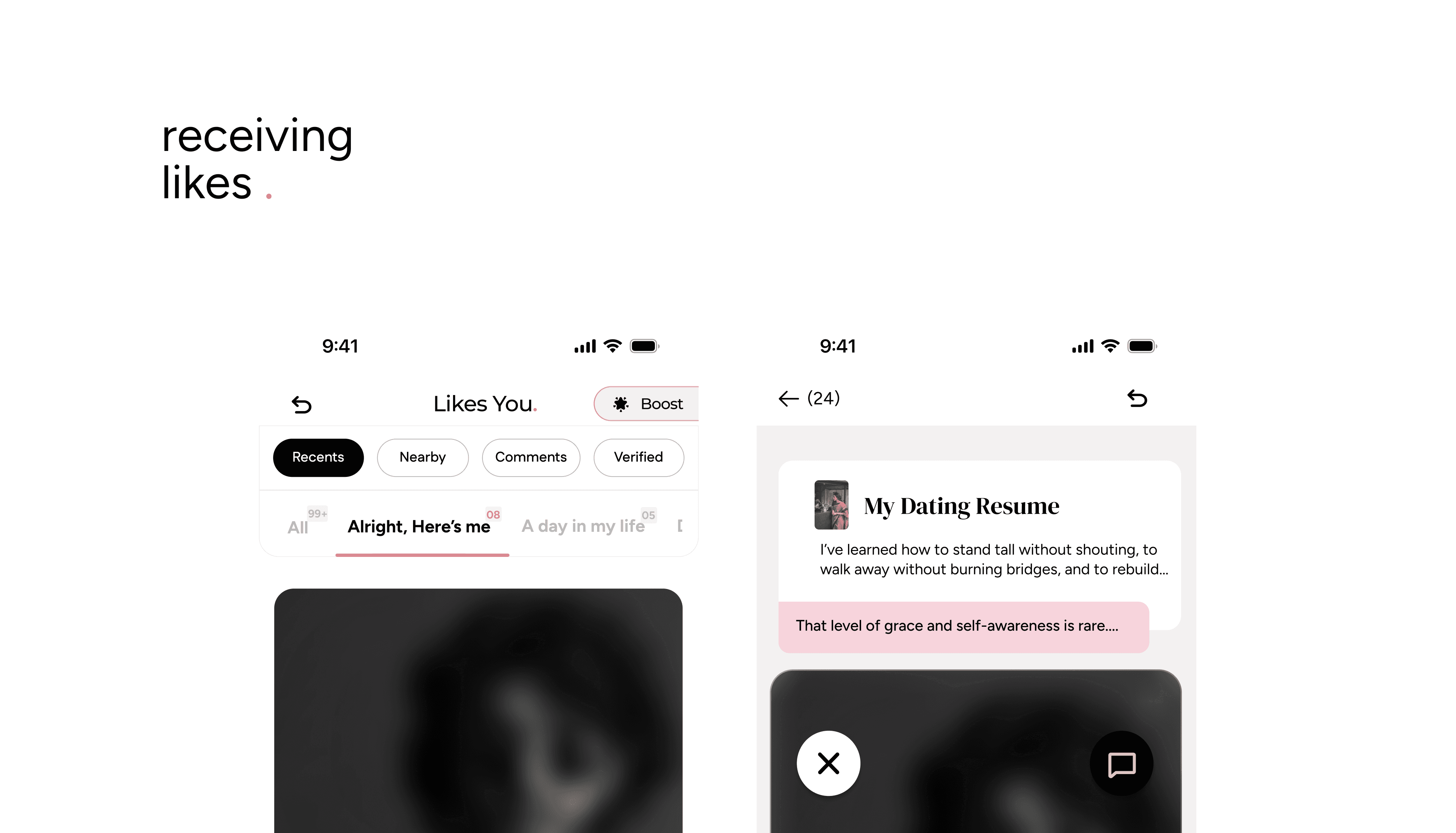
You'll see people who liked you in the Likes You tab. Tap to match (the heart button), and move their profile to your Matches tab.
If you've already liked someone's profile and they accept, that's also a match, you'll find them in Matches too.
Starting a Chat
Go to your Matches tab.
Tap a match to open the chat screen.
Type your first message and hit send, it's that simple.
Your Turn vs. Their Turn
Your Turn → It's your move to reply.
Their Turn → You've messaged, and now they need to respond.
These reminders help keep the flow going, but there's no pressure to reply when you're not ready.
Hiding or Closing Matches
Hide a match if you want to pause the conversation and return later.
Close the Book on a match if you're no longer interested.
Viewing Profiles in Chat
Inside a chat, tap the Profile tab to view their details and book.
If they've added or updated a chapter, the profile view will auto-scroll to the new content so you're always up to date with their story.
Matching is the first step, chatting is where the real connection begins. Explore profiles, share your story, and see where conversations take you.
Post Match Chapters
Matching is just the beginning. The rest of someone's book doesn't open all at once, it unfolds with you, one category at a time.
How It Unlocks
The moment you match, Category 2 of their book unlocks.
24 hours later, Category 3 unlocks.
Another 24 hours after that, Category 4 unlocks.
And so on, until their whole book is open to you, and yours to them.
Why It's Built This Way
Reading someone's book gradually gives your conversations something new to return to each day. It mirrors how getting to know someone in real life actually feels, layer by layer, not all in one sitting.
Before We Meet, their first category, is something you already read before you matched, so nothing repeats. It's all new from here.