Likes are how you show interest, but on HumansHere, they only happen through chapters.
Tap a profile to open it.
Explore their gallery, bio, essentials, intentions, lifestyle, and chapters.
If you feel the vibe, tap on one of their chapters.
Send a like directly, or send a like with a comment (recommended: these get noticed more).
Pro tip: Make comments related to the chapter itself. It could be playful, curious, or thoughtful.
You get 20 likes to send each month, the same for everyone. They refresh weekly, so however you use them, slow and considered or all at once, there's always a new batch coming.
Receiving Likes & Responding to Them
When someone sends you a Like, you'll see a badge alert on the heart icon in your navigation bar. This is your Likes You page: the place where all your incoming Likes land.
How It Works
Tap the heart icon to open Likes You.
View your Likes one at a time, or tap All on the top-left to see everyone who's liked you at once.
Filters
You can sort incoming Likes to manage them better. At the top, you'll find:
Recent → (default view) newest Likes first
Nearby → people closer to your location
Comments → only Likes with comments
Verified → only Likes from verified profiles
Chapter-Specific Sorting
Just below the filters, you'll see tabs for each of your chapters. Each tab has a counter showing how many Likes that chapter received. Tap a tab to see exactly who liked that piece of your story.
Responding to a Like
When you open a Like, you can:
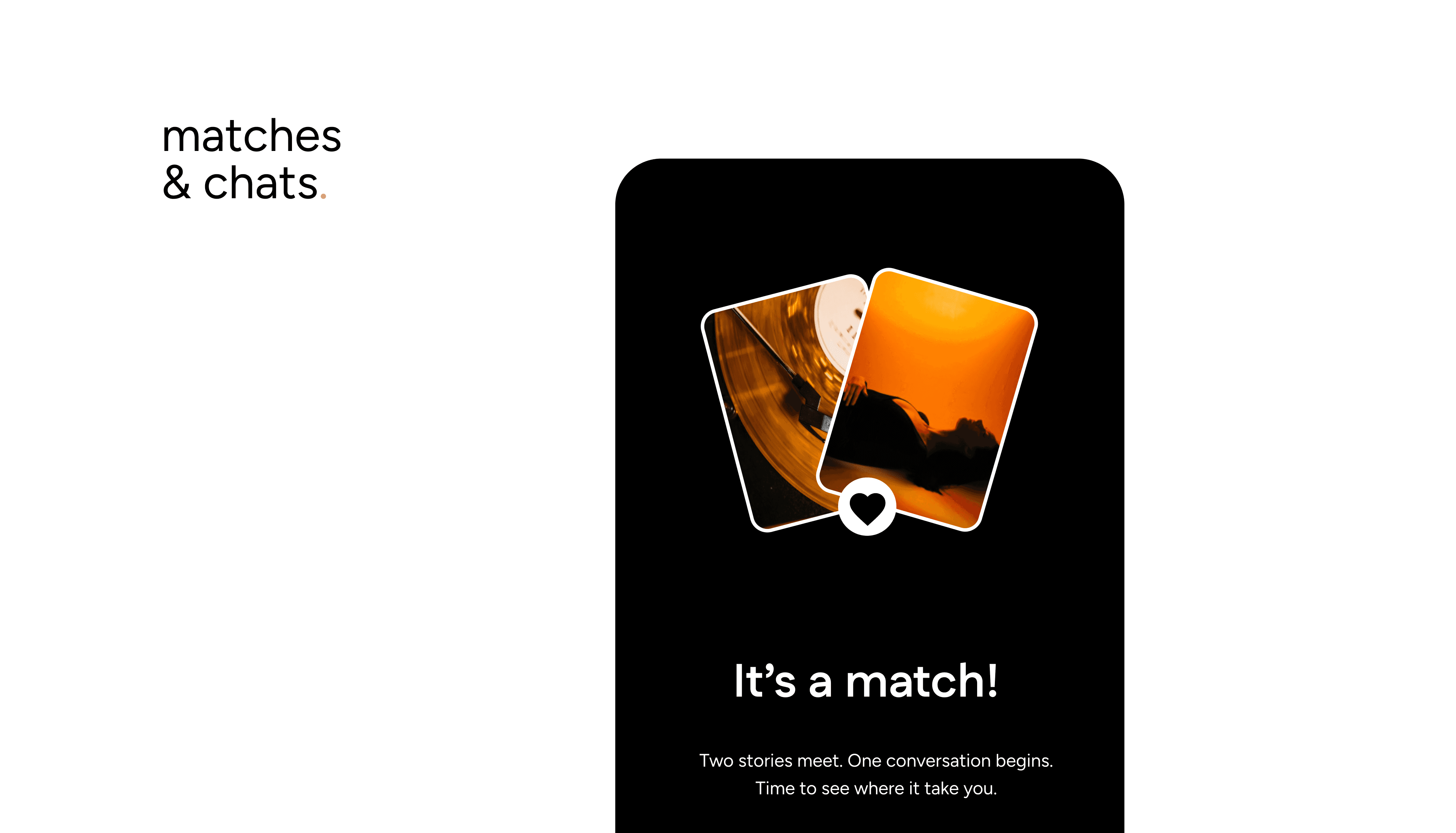
Match → start a conversation.
Decline → and choose how:
Add back to the pool — they might resurface in your feed again (and you in theirs).
Remove — they won't resurface for either of you, ever.
Backtrack Rejects
Changed your mind? Backtrack Rejects let you undo a decline, whichever way you declined it. Available to everyone.
With these tools, the Likes You page gives you control: take it slow one at a time, or quickly sort through everyone who's shown interest.