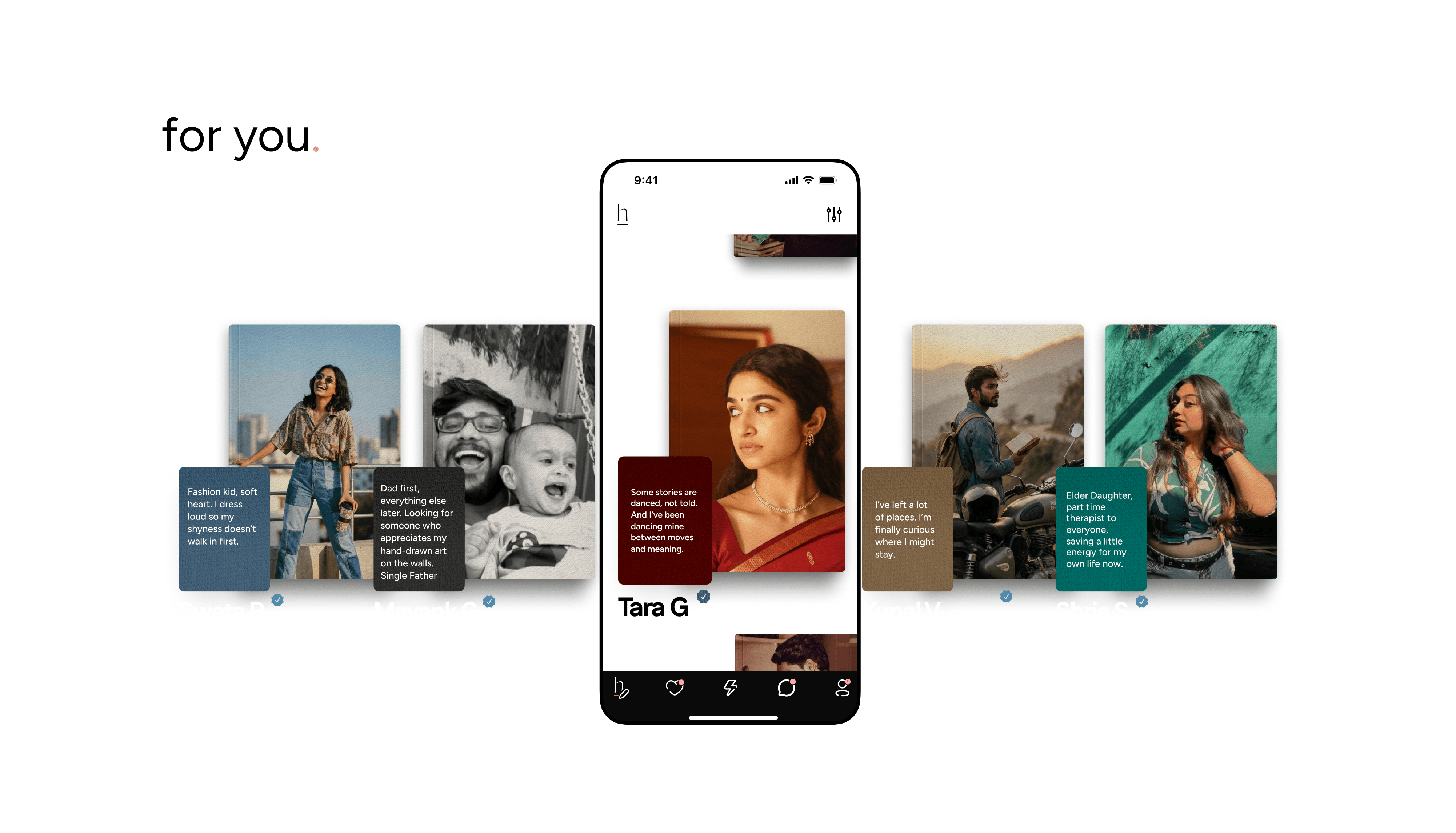
The For You page (the 11:11 / h icon in the navigation bar) is where HumansHere brings your match to you. No endless scroll, just one person at a time.
How It Works
Every day at 11:11am and 11:11pm, one profile lands on your For You page, someone we think is worth your time.
Each profile stays on your page until your next one arrives.
You'll also see useful context on every profile: Verified badge, Active Today status, New Here tag.
Preferences & Filters
On the top-right corner, tap the preferences icon. You can set these as:
Soft preferences → Just a filter; the feed may still show other profiles.
Strong preferences → Tick “Match only within this preference.” Profiles shown will strictly match what you've chosen, and you'll see a “Preferred” tag in list view.
For example: you could set a preference for people within a certain distance and of a particular height. Tap Done to refresh your feed with the new settings.
Your preferences are private, no one else can see them. And you can only change them once a day.
Behind-the-Scenes Matching
Even without filters, the For You page is curated by our matching algorithm. Every chapter you write, preference you set, and like you send helps HumansHere learn your style and recommend people who actually feel like a match.
The Maintenance Mode
Every day between 10am/pm and 11am/pm, while we're getting the next 11:11 feed ready, your For You page steps aside for a bit and shows you something else: a quick look at your own dating life instead.
You'll see exactly where you stand across your categories and chapters, what's written, what's still open, so you always know how much of your story is done.
The more you fill in during this window, the more HumansHere, and features like if we dated, have to work with by the time the next feed goes out.