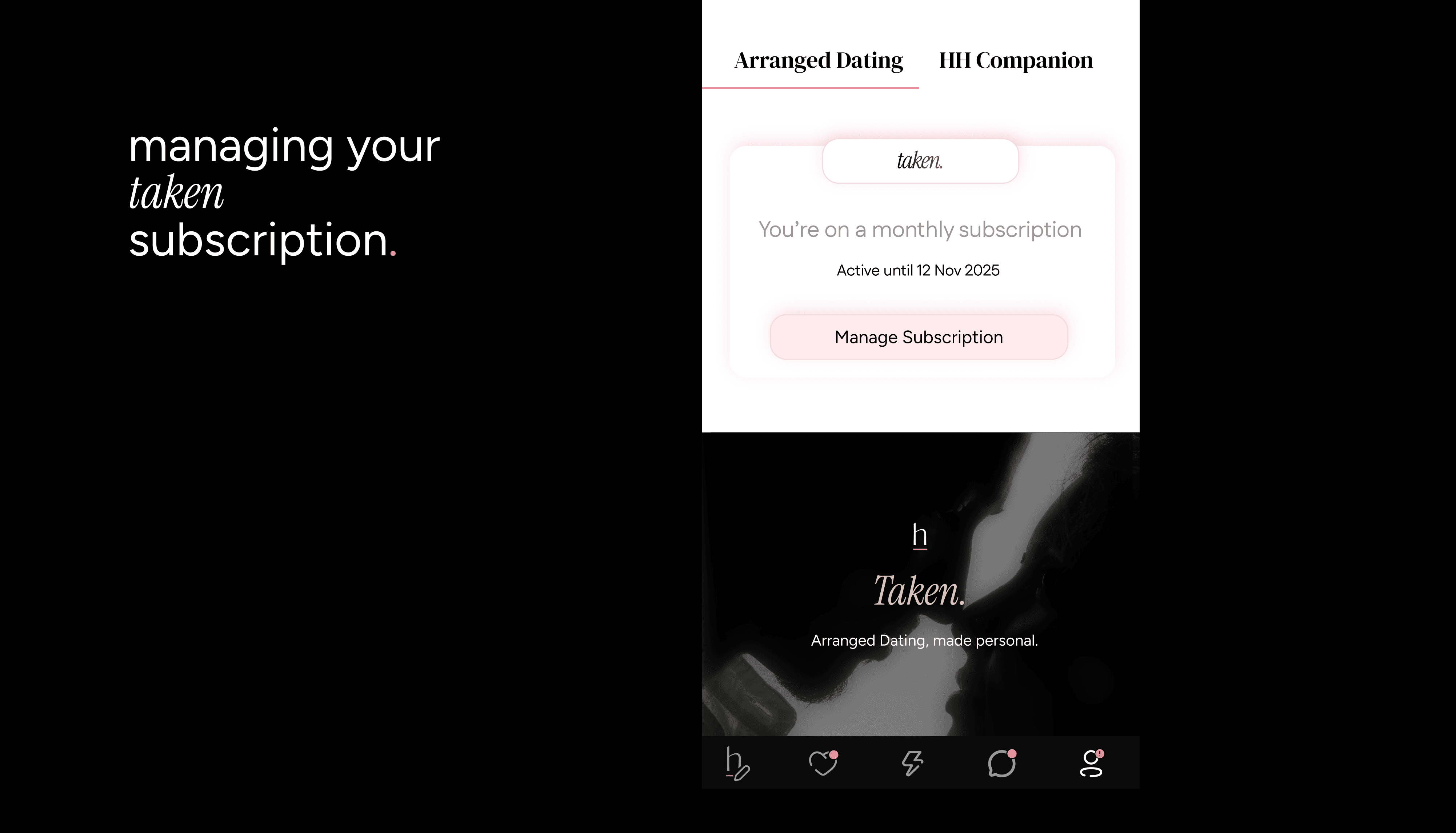
Your Taken plan should feel effortless. Here’s how to handle renewals, payments, notifications, and cancellations.
Renewals
All Taken subscriptions renew automatically.
To avoid being charged, cancel at least 24 hours before your next billing period
Subscription Price
Pricing may vary by region and platform (Apple App Store or Google Play).
You’ll always see the exact price before you confirm your subscription.
Email Notifications
Want to hear about offers, discounts, and new Taken features?
Go to Settings > Notifications.
Switch on Email Notifications for Marketing Communications.
Changing Your Payment Method
Payment methods must be updated directly through the platform where you subscribed.
On iOS / iPhone (Apple ID):
Open Settings on your iPhone.
Tap your Apple ID.
Tap Payment & Shipping.
Tap Add Payment Method or Edit.
On Android (Google Play):
Open the Google Play Store.
Tap the Menu icon.
Tap My Account.
Tap Add Payment Method or Edit Payment Method.
Canceling Your Subscription
Deleting your app or account does not cancel your subscription. Follow these steps instead:
On iOS / iPhone (Apple ID):
Open your Subscription page.
Tap HumansHere.
Tap Cancel Subscription.
For details, visit Apple’s support page.
On Android (Google Play):
Open your Subscription page.
Tap HumansHere.
Tap Cancel Subscription and follow instructions.
For details, visit Google Play’s support page.
Stay in control: update payments when needed, cancel if plans change, and never miss offers with email notifications.